Quick app update: Display Names are here 🎉
You can now choose how your name shows up in the community, so you’re not stuck using your full name if you’d rather not. Pick a nickname or handle that feels like you. It’s a simple one, but it gives you more control over your privacy and makes it easier to jump into chats (even if you’re usually more of a lurker).
To set yours up:
Log in to the website
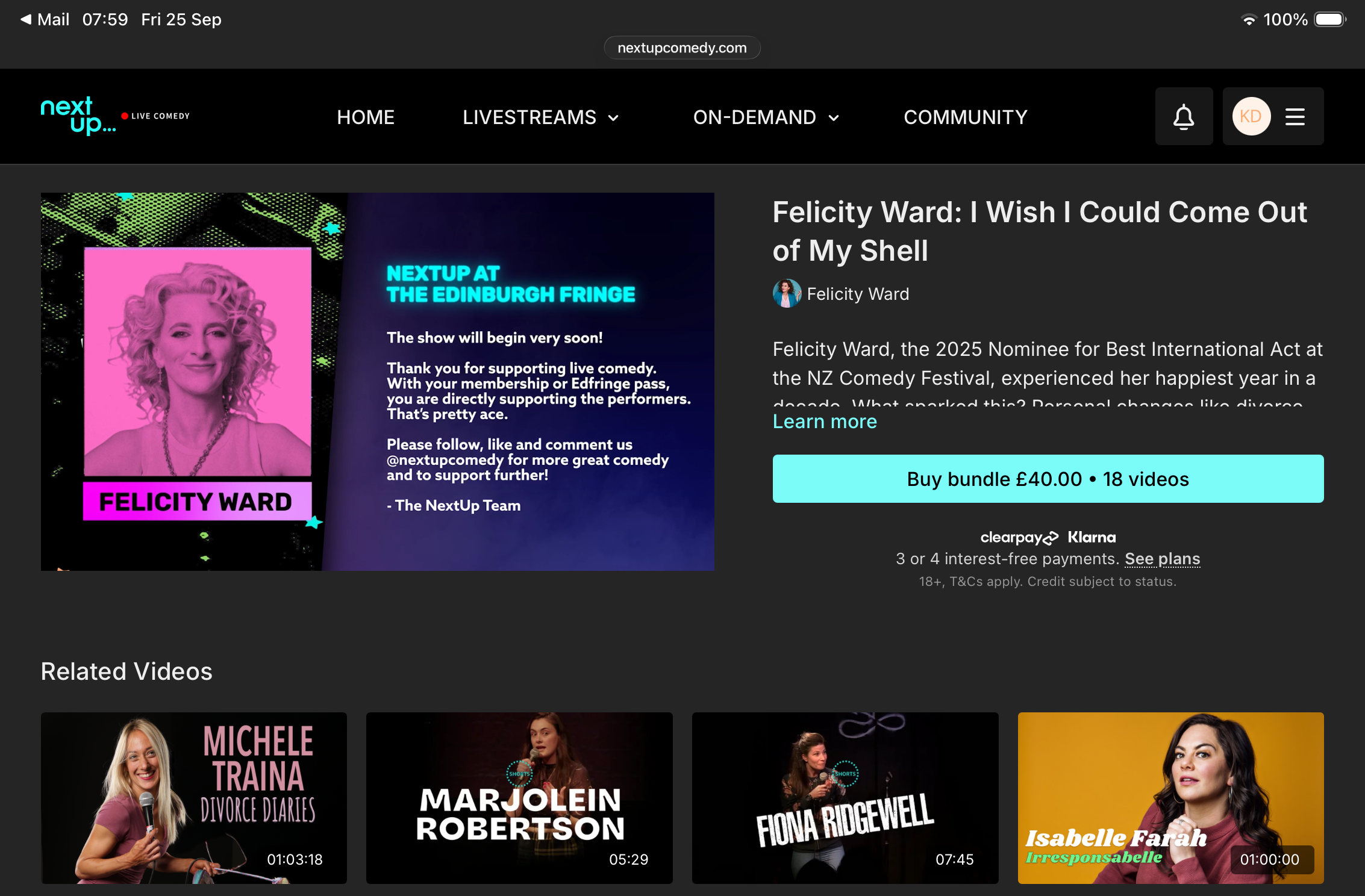
Click your avatar (top right) to open the User Dashboard
Head to the Profile tab
Update anything you want other members to see:
Profile Photo → click Change
Display Name → choose what shows publicly
Location → pick your city from the dropdown
If you’ve been meaning to get involved but felt a bit hesitant, this is a lovely low-pressure first step. 🫶